

Say goodbye to clutter: Spring cleaning events
Happening in April and May!
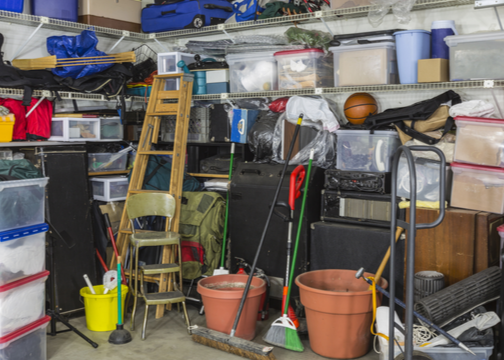
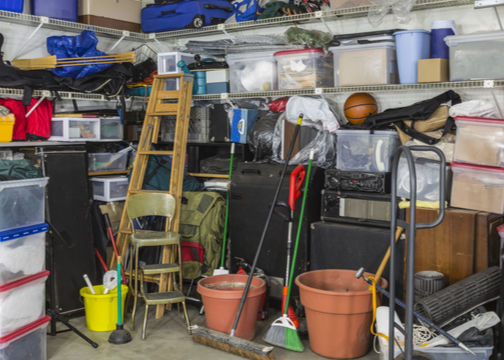
Streamline your spring cleaning by participating in a complimentary spring clean-up organized by the City of Roseville and the Roseville Coalition of Neighborhood Associations (RCONA). Seize the chance to declutter your space, reclaim your garage, and dispose of unwanted items at no cost!
2026 Event Locations
Saturdays from 8 a.m. to 2 p.m.
April 11: Bridgeway Church, 8150 Industrial Avenue
April 25: Bridgeway Church, 8150 Industrial Avenue
May 9: St John’s Church, 2351 Pleasant Grove Blvd
May 30: Saugstad Park, 100 Buljan Drive
(all events are RAIN or SHINE)
Remember to assemble your unwanted items the night before, ensuring that they only include acceptable materials. Items not accepted at the clean-up events can be delivered to the Western Placer Waste Management Authority Materials Recovery Facility (MRF) for a fee. Visit wpwma.ca.gov for details, fees, and hours of operation. You can also schedule a doorstep pick up of some Household Hazardous Waste and e-waste. Visit the Roseville City website for details.
If you want to volunteer at a Spring Cleanup event, go to the following link:
https://www.signupgenius.com/go/8050E44ADAC2DA1FC1-62071319-2026

Cleanup article for newsletters v2026.pdf
A signed waiver is required (by our insurance company) for all volunteers. Minors must have a waiver signed by a parent or guardian. Thank you.
Recommended Comments
Join the conversation
You can post now and register later. If you have an account, sign in now to post with your account.