
Loren
-
Joined
-
Last visited
Everything posted by Loren
-

From the album: Blue Oaks Fire - July 2007
© Loren J Cook 2007
-
From the album: Blue Oaks Fire - July 2007
© Loren J Cook 2007
-
From the album: Blue Oaks Fire - July 2007
© Loren J Cook 2007
-

From the album: Blue Oaks Fire - July 2007
© Loren J Cook 2007
-

From the album: Blue Oaks Fire - July 2007
© Loren J Cook 2007
-
From the album: Blue Oaks Fire - July 2007
© Loren J Cook 2007
-
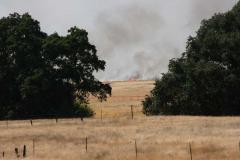
From the album: Blue Oaks Fire - July 2007
© Loren J Cook 2007
-
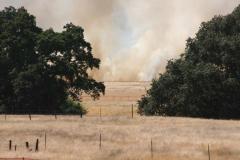
From the album: Blue Oaks Fire - July 2007
© Loren J Cook 2007
-
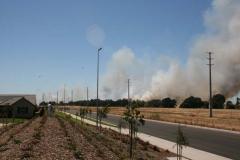
From the album: Blue Oaks Fire - July 2007
© Loren J Cook 2007
-
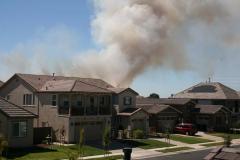
From the album: Blue Oaks Fire - July 2007
© Loren J Cook 2007
-
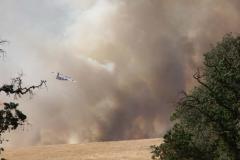
From the album: Blue Oaks Fire - July 2007
© Loren J Cook 2007
-
The Superintendent of the Roseville City School District will be giving an informal talk and answering questions from our neighborhood at a meeting on Thursday, August 6th, 2009. Richard Pierucci will discuss the plans for the 2009-2010 school year, changes at Junction Elementary School and the 2010 Chilton Middle School opening. Please join us: Thursday, August 6th at 7 p.m. Junction Elementary School, Multipurpose Room 2150 Ellison Drive, Roseville CA 95747 All are welcome.
-
Two Park Sites Adjacent to Junction Elementary School and Chilton Middle School. You are invited to the second public workshop for the two park sites adjacent to Junction Elementary School and Chilton Middle School. The Parks and Recreation Department will be reviewing these future parks located on Village Green Dr (next to Chilton Middle School) and Bob Doyle Drive (next to Junction Elementary School).We will be reviewing feedback from the 1st public meeting and presenting revised concept plans based on the feedback. All are invited to attend: Tuesday, July 28th at 7 p.m. Junction Elementary School, Multipurpose Room 2150 Ellison Drive, Roseville CA 95747 We look forward to meeting with you. View the full article
